
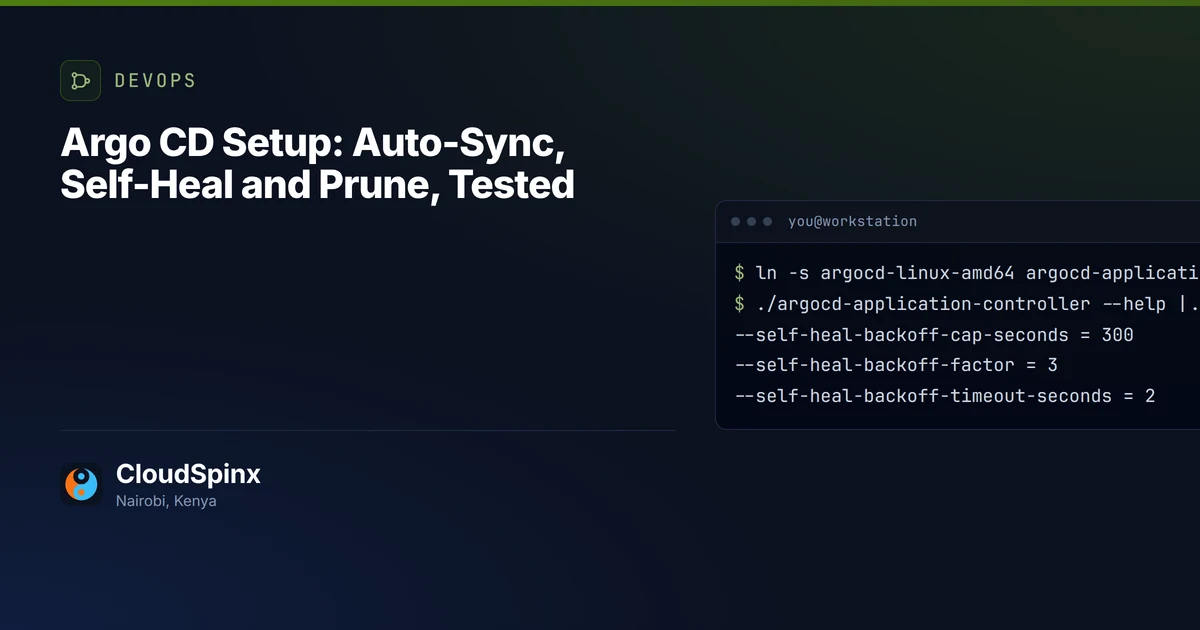
A commit we pushed to a fresh Argo CD setup took 5 minutes 42 seconds to reach the cluster. The documentation says three. That was the second of four pushes to Argo CD v3.5.5 with automated sync on, and it was not the most surprising thing the defaults did that morning.
CloudSpinx sets up and runs GitOps with Argo CD for engineering teams in Kenya and across East Africa, as part of our DevOps and CI/CD practice, so we timed the defaults on our own Proxmox lab before writing about them: one k3s node, a bare Git repository, no webhook, and a clock around every step. The short version: automated: {} applies commits and little else, prune and self-heal fix most of that with a catch of their own, and three problems survive any sync policy.
What does Argo CD's automated sync do by default?
It syncs when Git or the Application itself changes, not when the cluster does. Prune and self-heal both stay off until you set them, which the auto-sync documentation states plainly and a running cluster makes easy to forget. Here is our run, automated: {} against the same Application with both switched on:
| What happened | automated: {} | with prune and selfHeal |
|---|---|---|
Commit pushed to main, no webhook | Applied after 139 to 342 s, four pushes | Not retimed: the poll is a controller setting |
kubectl scale from 1 to 5 replicas | Still 5 after 210 s, app shown OutOfSync | Reverted in 1.6 s |
| Deployment deleted from Git | Still running, flagged as needing a prune | Deleted 0.8 s after prune was enabled |
The poll is the first number to plan around. The Argo CD FAQ puts it at 120 seconds plus up to 60 seconds of jitter, and our four pushes landed after 139, 342, 249 and 335 seconds. The three slow ones each came less than 20 seconds after the previous sync, and the refresh that followed about two minutes later still generated manifests for the previous commit, straight from cache. The repo server keeps a resolved revision for 3 minutes by default (--revision-cache-expiration), so on our reading a refresh that comes within 3 minutes of the last one that fetched the branch still sees the old commit, and the push waits for the refresh after it. The one push that went out first time was the one whose refresh came 3 minutes 3 seconds after the previous sync, just past that expiry.
A webhook to /api/webhook removes the wait, if GitHub or GitLab can reach your Argo CD server. A cluster in an office rack or a Nairobi facility behind NAT, with no inbound route, gets no webhook without a relay or a tunnel, so the poll is your deploy time. Nearly six minutes is fine for most teams on most days. It is not fine during an incident, which is where the defaults bite hardest.
The hotfix an unrelated merge undoes
Somebody runs kubectl scale deploy web --replicas=5 to ride out a spike. With self-heal off, Argo CD marks the app OutOfSync and leaves the five replicas alone. We watched for three and a half minutes and nothing moved, so the team reasonably concludes the fix holds.
Then a colleague merges a one-line ConfigMap change. Automated sync applied the whole application at the new commit, not just the ConfigMap, and web fell back to one replica 71 seconds after that push. Nobody chose that moment, and the person whose merge did it never touched the Deployment.
- drift Argo CD reports and leaves
- hand edit removed
- live state matches Git
A sync applies the whole application at the new commit, not only what the commit changed, so the drifted Deployment went back to Git's value with the ConfigMap.

That is the worst of the default: drift tolerated long enough for people to rely on it, then removed without warning. Either let Argo CD revert drift at once, which turns every hotfix into a commit, or hand the field over properly: an ignoreDifferences entry plus the RespectIgnoreDifferences=true sync option, because the ignore list alone does not stop the next sync overwriting it. If you cannot say which of your Applications sit in between, send us the list and we will mark them.
Self-heal and prune: the Argo CD setup we hand over
With both on, Argo CD deleted the orphaned legacy-worker 0.8 seconds after we patched the Application, and reverted a kubectl scale in 1.6 seconds. So we scaled it again the moment it came back, and again. The second revert took 5.2 seconds, the third 17.8, the fourth 53.8, the fifth 162.4 and the sixth 300.9.
The wait counts from the last sync. After five and a half quiet minutes, past the 300-second cap, the next revert of the same drift took 1.0 second.
The auto-sync page still describes a fixed 5-second self-heal timeout. The v3.5.5 controller says otherwise, and you can read it without a cluster: the released argocd-linux-amd64 CLI binary behaves as the controller when it is called by the controller's name.
$ ln -s argocd-linux-amd64 argocd-application-controller
$ ./argocd-application-controller --help | grep -o -- '--self-heal-backoff.*' | sed 's/ int .*(default \([0-9]*\))/ = \1/'
--self-heal-backoff-cap-seconds = 300
--self-heal-backoff-factor = 3
--self-heal-backoff-timeout-seconds = 2
Start at 2 seconds, triple on each attempt, stop at 300, which is the bars above to within a second. The --self-heal-timeout-seconds flag the docs refer to is still listed, with no default printed.
Self-heal is a convergence loop, then, not a lock. Anything that keeps rewriting a field Git also sets gets fought on that backoff, and on our reading of the v3.5.5 source the attempt count does not reset while the commit stays the same, so the fight settles at one revert every five minutes instead of ending. We did not run an autoscaler against it, but a HorizontalPodAutoscaler on a Deployment whose manifest still says replicas is exactly that shape. Kubernetes' autoscaling documentation already warns that applying such a manifest can end in "thrashing or flapping behavior", and self-heal turns one apply into a recurring one. Take replicas out of the manifest, and mind the catch the same page spells out: the field defaults to 1, so the first apply after you remove it can drop the Deployment to a single Pod, and the page gives a way around it for both client-side and server-side apply.
So the Application we hand over sets both, plus a retry it chose rather than inherited:
  syncPolicy:
    automated:
      prune: true
      selfHeal: true
    retry:
      limit: 3
      backoff:
        duration: 10s
        factor: 2
        maxDuration: 3m
    syncOptions:
      - CreateNamespace=true
      - PruneLast=true
None of this is our invention. In Mojaloop's infrastructure code, which we contribute to upstream, 40 of the 41 Applications in gitops/argo-apps/base set prune, self-heal and a retry policy. The 41st installs Argo CD itself and leaves both at false, the in-between state described above for everything except two ConfigMap keys. The manifest gives no reason; ours would be that an over-eager prune there could delete the controller doing the pruning. We would go a step further on that one and drop automated sync too, so a change to the controller waits for a person.
Public code like that is also a check you can run on anyone you hire for this, and it is the first one in how we would judge a DevOps consultant.
What GitOps does not fix
Three things, whatever the sync policy says.
A Secret committed to Git is base64, an encoding anyone with read access to the repository reverses in one command, and under GitOps everyone who deploys reads that repository. Keep the value out of it. External Secrets Operator syncs it into the cluster from a vault, and Git holds only the reference.
Database migrations are the second. We put one in a PreSync hook Job, made it exit 1 in the same commit as a version bump, and set no retry policy. The sync failed at the hook and web stayed on the previous version, which is the part Argo CD gets right. Then it ran the migration five more times, backing off 10, 20, 40, 80 and 160 seconds, before giving up. Automated syncs carry a retry limit of 5 unless you set one: the v3.5.5 controller source hard-codes it, and the auto-sync documentation does not state it. An explicit retry replaces it, and with limit: 3 the same migration ran four times. So a migration that is not safe to re-run gets re-run anyway. One that succeeds is not undone by git revert either, because Argo CD reverts manifests, not schemas. Write migrations that survive running twice and only move forward, and set the retry limit on purpose.
The third is the drift you choose to allow. An ignoreDifferences entry on its own only hides a field from the diff, and the next sync still writes Git's value over it. Paired with RespectIgnoreDifferences=true it becomes a field Git no longer owns, so review that list the way you would review firewall rules. Mojaloop's Argo CD Application ignores two keys in its own ConfigMaps, policy.csv and oidc.config, with that option set beside them. Written down in the repository, where a reviewer sees it: that is the standard.
GitOps vs CI/CD: what moves out of the pipeline
Moving a small team from push deploys to Argo CD changes less than the diagrams suggest, and the change that matters is credentials. A pipeline that runs kubectl apply or helm upgrade holds a kubeconfig that can write to production, stored as a CI secret. Under Argo CD the controller inside the cluster pulls, so CI no longer needs the cluster at all, only write access to a config repository, and the pipeline's last step becomes a commit that bumps an image tag. Rollback becomes a revert of that commit, for manifests at least. The build and test stages, and the runner minutes they spend, stay where they were.
What the team takes on is a second repository to guard, the poll or a webhook to expose, and the controller itself: on our lab its seven pods used between 329 and 358 MiB of memory with one Application, 118 MiB of that the Dex single sign-on server. If you would rather not run the cluster under it either, that is a separate engagement: managed Kubernetes.
If you run one service on one cluster and deploy weekly from a pipeline that works, keep the pipeline. Argo CD would add a controller to patch and a repository to protect, for a problem you do not have yet.
If you already run Argo CD, export your Applications with kubectl get applications -A -o yaml and send the file through the DevOps scoping form or on WhatsApp at +254 713 403 044. We read every sync policy and mark each Application that keeps drift, keeps orphans or will re-run a failed migration. The review is free and there is nothing to sign. If an inline Helm value in that file turns out to hold a password, that becomes the first line of our reply. Starting from push pipelines instead, the same form gets you a scope and one figure for standing Argo CD up, and we move your deploys across with your team rather than handing over a controller and leaving.