
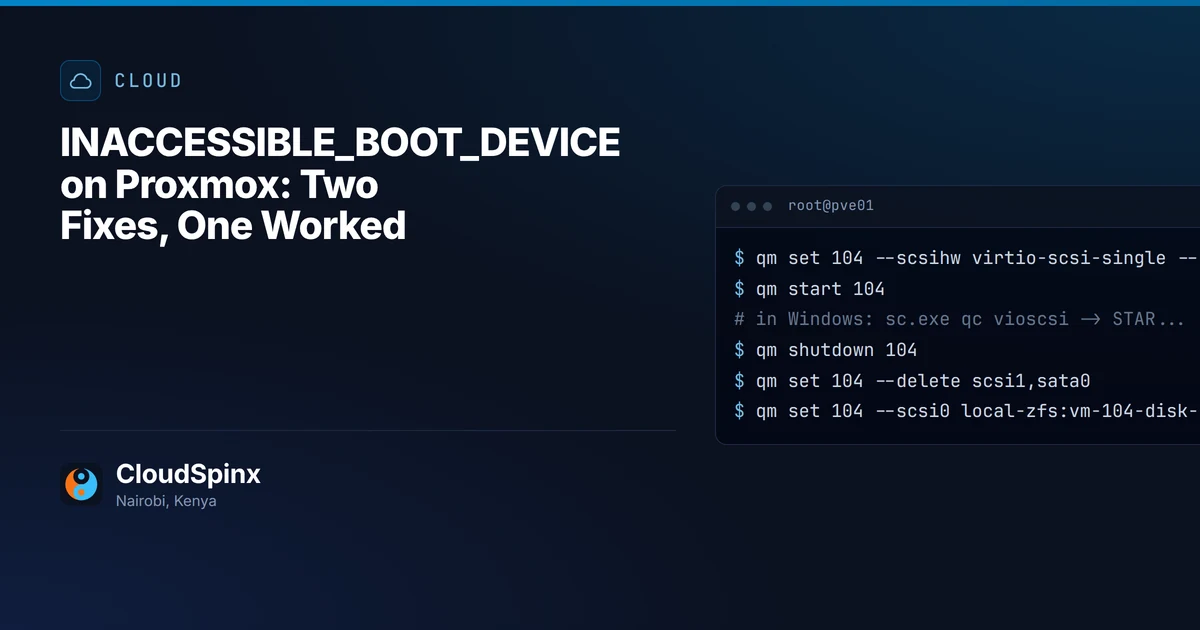
Stop code: INACCESSIBLE_BOOT_DEVICE, about 40 seconds after power-on in our lab, on a Windows VM just moved to Proxmox. It restarted, showed the same blue screen, and landed in Windows Recovery asking for a keyboard layout. We watched that sequence on a Windows Server 2022 disk attached to a VirtIO SCSI controller, then tried the two fixes forum threads keep trading. One of them changed nothing.
CloudSpinx moves VMware and Hyper-V estates onto Proxmox clusters for organizations in Kenya, so we reproduced this on purpose rather than trust a thread: Proxmox VE 8.4, a q35 machine with UEFI firmware, Windows Server 2022, and one disk moved back and forth between SATA and VirtIO SCSI. A Rocky Linux 9.7 guest got the same treatment, and gave a different answer.
Why Windows blue-screens on VirtIO SCSI
Windows has no driver for the controller its boot disk now sits on. Microsoft's page for the stop code says it means Windows "has lost access to the system partition during startup", and lists "installing a disk controller" among its causes (bug check 0x7B). A move to Proxmox is exactly that. A guest coming from Hyper-V or VMware normally has no vioscsi driver, the Red Hat driver for that controller, because Windows does not ship it and nothing on the old hypervisor installed it.
What throws people is how far the boot gets first. The Proxmox logo appears, the firmware's log line shows Windows Boot Manager loading from the disk, and the spinner turns, because the VM's UEFI firmware carries its own VirtIO driver and reads the disk without trouble. The stop code arrives only when Windows takes the disk over. In our run that was between 34 and 43 seconds after power-on. After the automatic restart it came again, 87 to 96 seconds after the first power-on, and by 122 seconds the VM sat in the recovery environment.
SATA is the way back in. Proxmox's migration guide says an imported Windows VM works only on IDE or SATA at first, and that "additional steps are necessary to switch to VirtIO". On our template SATA was safe for a plain reason: Windows' own storahci driver was already installed with start type 0, boot start, and the q35 machine it runs on has an AHCI controller built in. Moved to SATA, the same disk booted to the lock screen. We did not check that setting on a guest fresh from Hyper-V or VMware; Proxmox's guide expects SATA to work for them as soon as they are imported.
The fix that did not work: pnputil from the driver ISO
A common forum answer is to boot from SATA, mount the virtio-win ISO and add the storage driver with pnputil. We did that with vioscsi.inf version 100.101.104.28500, with the disk on SATA and no VirtIO SCSI disk attached, which is how a freshly imported VM sits:
PS> pnputil /add-driver D:\vioscsi\2k22\amd64\vioscsi.inf /install
Driver package added successfully.
Published Name:         oem0.inf
Driver package installed on device: PCI\VEN_1AF4&DEV_1004&SUBSYS_00081AF4&REV_00\5&1e249680&0&0820F0

PS> sc.exe qc vioscsi
[SC] OpenService FAILED 1060:
The specified service does not exist as an installed service.
The package went into the driver store, and pnputil even reported installing it on a VirtIO controller, a disconnected one left over from the template's own earlier boots. Windows still created no vioscsi service and copied no vioscsi.sys into the drivers folder. Switched to VirtIO SCSI, the VM blue-screened 36 to 45 seconds after power-on with the same stop code. A guest imported from Hyper-V or VMware has no leftover VirtIO controller at all.
The fix that worked: one boot with a VirtIO disk attached
What pnputil could not do, Plug and Play did as soon as a VirtIO SCSI controller was really there. This is the method Proxmox documents on its paravirtualized drivers page, which also warns that switching the boot disk "without a dummy disk" ends in this blue screen. Give Windows a VirtIO SCSI controller while it still boots from SATA:
- Keep the boot disk on SATA, set the SCSI controller type to VirtIO SCSI single, attach the virtio-win ISO, and add a new 1 GiB SCSI disk.
- Boot. Windows finds a "Red Hat VirtIO SCSI pass-through controller" and installs vioscsi for it. Ours was already in the driver store from the failed attempt, so this happened unprompted; on a VM that never ran pnputil, Proxmox's page has you install it from the ISO through Device Manager now, with the controller present.
- Before switching, check that
sc.exe qc vioscsishowsSTART_TYPE : 0 BOOT_START. In our runs, a switch without it failed. - Shut down, detach the 1 GiB disk, move the boot disk to
scsi0, fix the boot order and start.
On the node, with VM 104 and its boot disk on local-zfs as the example:
qm set 104 --scsihw virtio-scsi-single --sata1 local:iso/virtio-win.iso,media=cdrom --scsi1 local-zfs:1
qm start 104
# in Windows: sc.exe qc vioscsi   ->   START_TYPE : 0   BOOT_START
qm shutdown 104
qm set 104 --delete scsi1,sata0
qm set 104 --scsi0 local-zfs:vm-104-disk-1,discard=on,iothread=1 --boot order=scsi0
qm start 104
Booting from VirtIO SCSI, our VM reached the lock screen 10 to 19 seconds after power-on, and Get-Disk reported the boot disk's bus type as SAS, which is how the VirtIO SCSI controller shows up inside Windows. The 1 GiB disk stays in the config as an unused disk until you remove it. One caveat on our run: the boot disk came back on a VirtIO controller this Windows install had seen before, the template's own. A guest from Hyper-V meets its boot controller for the first time at that boot, which is the case Proxmox's page covers.
- boots
- INACCESSIBLE_BOOT_DEVICE
Times count from each test's first power-on, not from the automatic restart, and are the windows between console screenshots taken every 8 to 9 seconds, Windows Server 2022 on a q35 machine with OVMF firmware.
One VM takes two boots with the steps above. Forty of them before a VMware renewal date is a runbook with an order, a rollback and a test boot per guest, and that is the work we take on. If you are partway through a move with one guest refusing to boot, send its qm config output through the Proxmox scoping form and we will say which fix fits it.
Linux guests: where the initramfs was built decides it
A Linux guest hits the driver version of this failure when its initramfs lacks virtio_scsi, or virtio_blk for a VirtIO Block disk. On RHEL-family systems built host-only, RHEL's default, that depends on which hypervisor the initramfs was last rebuilt under.
We moved the Rocky Linux 9.7 disk to SATA, removed dracut-config-generic (the package that turns host-only off on cloud images), and rebuilt the initramfs in host-only mode, RHEL's default. The image shrank from 78.8 MB to 36.0 MB and still carried virtio_blk and virtio_scsi, though neither module was loaded at the time. It booted from VirtIO SCSI without complaint. Even dracut --hostonly-mode strict kept both.
The reason sits in dracut's source. Its qemu module adds the VirtIO drivers, host-only or not, whenever the VM's firmware identifies as QEMU, as our Proxmox VM did (DMI: QEMU Standard PC (Q35 + ICH9, 2009) in its boot log), so rebuilding inside Proxmox put them there. Built host-only under Hyper-V or VMware, the image leaves that module out, and host-only mode then adds virtio_blk and virtio_scsi only if they are loaded or match hardware the VM can see. On our reading of the dracut 057 source, which Rocky 9 builds on, a guest whose initramfs was last rebuilt there in host-only mode is the one that drops to the dracut emergency shell after the move. We did not reproduce that failure, because doing so needs an initramfs built on one of those hypervisors.
The fix runs the same dracut inside Proxmox. Proxmox's guide suggests booting the rescue entry, whose initramfs "normally contains more drivers" (78.3 MB on our Rocky VM, against 36.0 MB for the host-only one), or SATA if there is no rescue entry. Our run used plain dracut -f from a SATA boot. From the rescue entry, rebuild every installed kernel's image rather than the running one, because the rescue kernel is usually older, then look before switching:
sudo dracut -f --regenerate-all
for i in /boot/initramfs-[0-9]*64.img; do echo "$i"; sudo lsinitrd "$i" | grep -E 'virtio_(scsi|blk)'; done
Both modules listed means the initramfs can drive the disk on VirtIO. Our test root was a plain XFS partition, so an LVM root was not part of the test. After that, kernel updates rebuild the initramfs inside a QEMU guest, so on the same reading of the source they keep the drivers.

Before you move the next one
Put the SATA boot with a VirtIO disk attached into the import runbook for every Windows guest, and make sc.exe qc vioscsi the gate before the bus change. The rest of a VMware move has its own order, and the driver step belongs in the test boot of each wave, not on cutover night.
We did not test the virtio-win guest tools installer from a clean state. Our template already had it registered, so msiexec did nothing, and we make no claim about what it does on a VM that has never seen a VirtIO controller. That is what the pnputil run warns about: there, a driver sitting in the store was not one Windows loaded at boot.
For two or three VMs the steps above are the whole job, with the old hypervisor kept running until each one boots. An estate with domain controllers, SQL Server and a Windows Server licensing question riding on the move is where a plan pays for itself, and we handle that move with you, wave by wave. Send the hypervisor you are leaving, the VM list with each guest's OS and disk sizes, and the qm config of anything already refusing to boot, through the scoping form or on WhatsApp at +254 713 403 044. Back comes which fix fits the stuck guest, the order for the rest and one figure for the move. The reply is free and commits you to nothing.